


Download Facebook Groups – social networking, group chat, community building, Facebook app, standalone tool
Overview
Facebook Groups is a standalone desktop application designed to centralize and streamline access to community-driven spaces within the Facebook ecosystem. The software allows users to manage, join, and interact with multiple groups without relying on the main Facebook platform. Its primary purpose is to provide a focused environment for group-based communication, particularly for users who engage in frequent discussions, event planning, or interest-based networking.
Target users include individuals managing multiple community spaces, such as hobbyists, local event organizers, educators, and professionals coordinating project teams. The app is especially useful for those who find group content buried in the main Facebook feed or overwhelmed by unrelated notifications. By isolating group interactions, Facebook Groups aims to enhance focus and engagement within these communities.
The developer, Meta Platforms, Inc., is known for its social media platforms and has previously launched standalone apps like Facebook Messenger and Rooms. While the company has a history of experimenting with dedicated tools, Facebook Groups represents a more refined effort to offer a specialized experience. However, the app’s current functionality appears limited compared to the full web and mobile versions.
Key Features & Capabilities
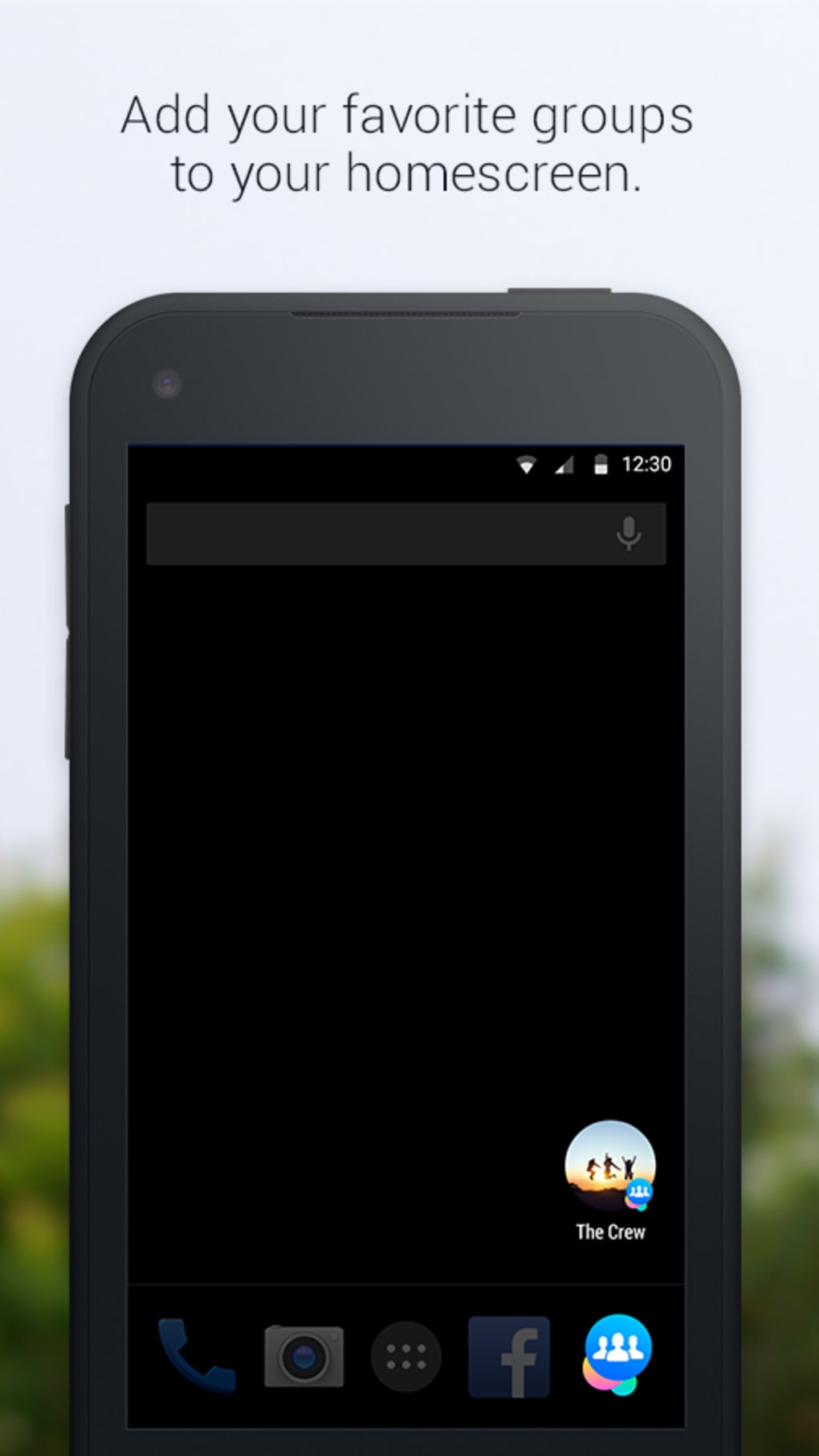
- Group Management – Users can access, view, and interact with all their group memberships through a centralized interface. Each group is represented by a circular icon, similar to Facebook Messenger, enabling quick navigation and reordering via drag-and-drop.
- Content Interaction – Basic posting and photo sharing capabilities are available directly from the group wall. Users can comment, like, and react to posts within the app.
- Customizable Notifications – Individual group settings allow users to disable or customize push notifications, reducing digital clutter and improving focus.
- Group Discovery – The app includes a "Discover" tab that suggests new groups based on user interests, friends’ memberships, and existing group activity.
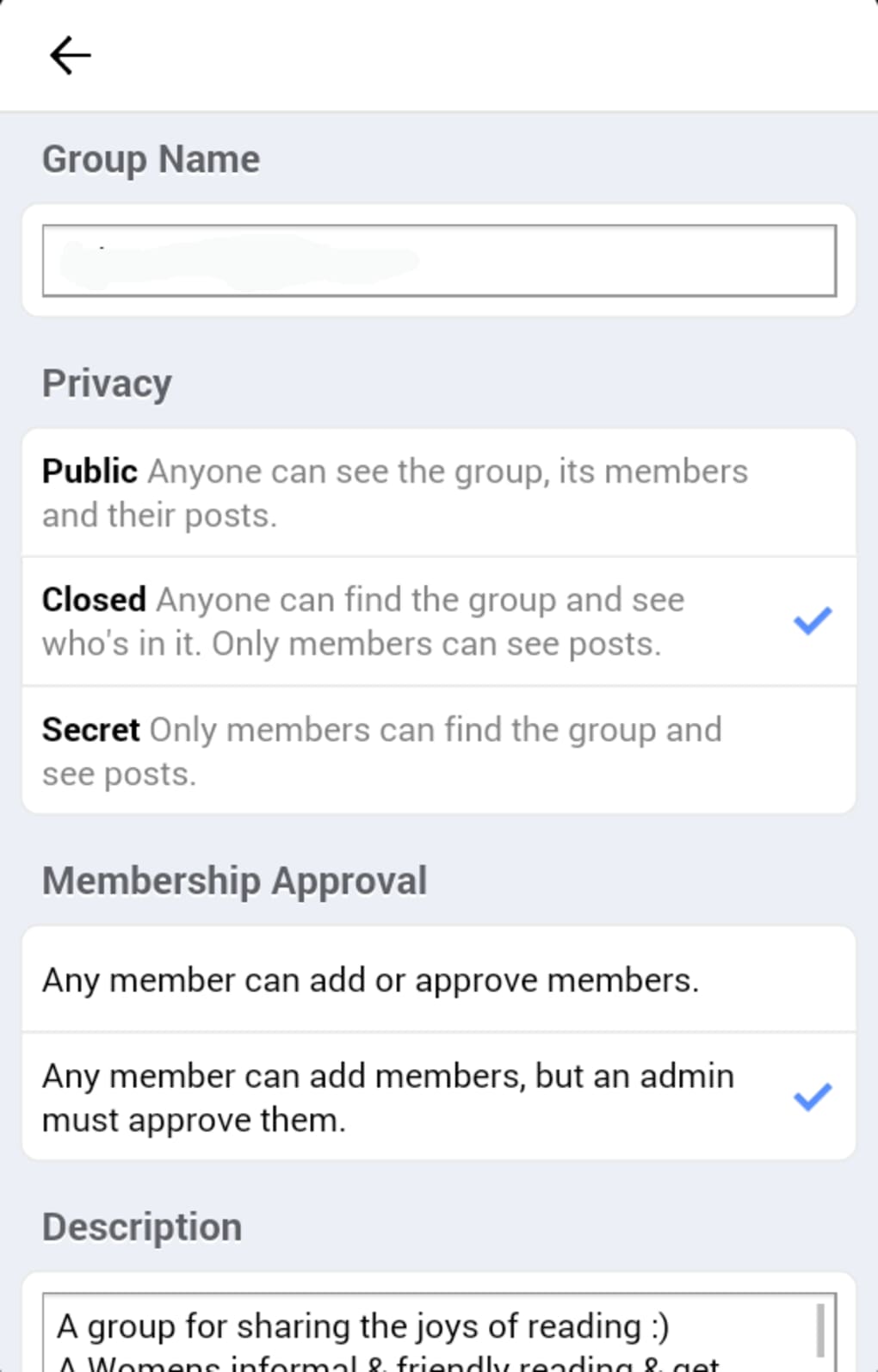
- Group Categorization – When creating a group, users can select from predefined categories such as family, close friends, parents, event planning, travel planning, and more. These are accompanied by thematic icons, including animal-themed graphics.
These features support real-world use cases such as organizing neighborhood events, coordinating volunteer teams, or maintaining private discussion circles. The ability to pin groups to the home screen enhances accessibility, while personalized suggestion algorithms aim to improve user experience over time.
User Interface, Workflow & Performance
The user interface of Facebook Groups follows the familiar design language of Facebook’s other standalone apps, particularly Messenger. The layout is clean and intuitive, with circular group icons arranged on the home screen. Navigation is consistent, allowing users to switch between groups with minimal effort.
Workflow efficiency is high for basic tasks like viewing posts, commenting, and sharing media. However, advanced administrative functions—such as managing events, uploading files, banning users, or inviting members via email—are either missing or buried under secondary menus. This creates friction for group admins who rely on these tools.
The app’s performance is generally smooth, with responsive interactions and quick load times for group content. However, the developer did not specify resource usage details. Stability appears acceptable under normal use, though the lack of a robust feature set may lead to user frustration over time. The interface is not optimized for smaller screens, with text and buttons appearing small in some areas.
Compatibility & System Requirements
Facebook Groups is designed to run on Windows and macOS operating systems. The software is available as a desktop application, though exact version numbers and installation size were not specified. Platform compatibility information is limited to the two major desktop platforms.
System requirements were not provided by the developer. The app does not appear to have specific hardware demands, but users should ensure their system supports modern web-based applications. The developer did not specify resource usage details, so CPU and RAM behavior cannot be confirmed.
Pros and Cons
Pros
- Intuitive, Facebook-like interface that’s easy to learn
- Quick access to multiple groups via customizable home screen
- Effective group discovery and personalized suggestions
- Customizable notification settings for better focus
- Simple group creation with thematic categories and icons
Cons
- Limited functionality compared to the main Facebook app
- Missing key admin tools like event creation and file sharing
- Important features are hidden in secondary menus
- Small text and buttons reduce usability on smaller displays
- Does not support external links or page management
FAQ Section
Is Facebook Groups available for both Windows and Mac?
Yes, the app is compatible with both Windows and macOS operating systems.
Do I need the main Facebook app to use Facebook Groups?
No, Facebook Groups can be installed and used independently of the main Facebook application. However, a Facebook account is required for login.
Is the app secure to download and use?
As a product developed by Meta Platforms, Inc., Facebook Groups follows standard security protocols. Users should download the app only from official sources to ensure safety.
Can I manage my Facebook pages through this app?
No, the app does not currently support page management. This functionality remains available only in the main Facebook app or on the web.
Does Facebook Groups support offline usage?
Basic navigation and cached content may be accessible offline, but active posting, commenting, and real-time updates require an internet connection.
Final Thoughts + CTA
Facebook Groups presents a promising foundation for a dedicated space to manage community interactions. Its clean interface, intuitive navigation, and smart discovery tools make it a viable option for users who want to streamline group engagement. However, the app’s current feature set is underdeveloped, particularly for administrators who need advanced tools.
While it excels in basic group access and customization, the absence of essential features like event creation, file sharing, and spam management limits its practicality. For casual users seeking a simpler way to stay in touch with groups, it may suffice. But for power users and organizers, the app falls short.
Facebook Groups is a step in the right direction, but it remains a work in progress. With more robust features and better accessibility, it could evolve into a powerful alternative to the main Facebook app. For now, it’s a solid choice for light users but not yet a complete solution.
Download Facebook Groups now






.png)
